Food On The Go
How It Works
Quick Overview
One app, two simple flows.
The app is designed for people looking for food places or grocery stores, and for owners managing either type of listing. The homepage is the shared starting point: choose Food or Groceries, discover nearby businesses, place pickup orders, and track them live. Owners can manage their listing, items, and incoming orders from dedicated screens.
For Users
Discover food and groceries
Choose Food or Groceries, then search by dish, product, place, store, cuisine, or suburb and browse the current area in either map or list view.
Open a food place to browse its menu, or a grocery store to browse its product catalogue, alongside photos, contact information, and reviews.
Create a user account to save favourites, update your profile, leave reviews after a completed order, and place pickup orders from a menu or product catalogue.
After checkout, go straight to My Orders to track live status updates, ready times, pickup codes, and any message from the Owner.
For Owners
Manage the place listing
Create an owner account and go to the dashboard.
Choose whether you run a food place or grocery store, then add its details, cover image, status, location, weekly operating hours, and structured items.
Use the separate item-management screen to manage menu or catalogue categories, item order, prices, descriptions, and per-item photos.
Use the dedicated orders screen to accept orders, set prep times, share updates, and keep pickup moving smoothly.
Map + List
Choose Food or Groceries, then browse nearby places and stores on the map or in a clean list.
Ordering + Pickup
Signed-in users can add food or grocery items to a cart, place pickup orders, and follow status, prep time, and pickup code updates.
Owner Operations
Owners can keep food-place or grocery-store listings current, manage menus or catalogues, and handle live orders with prep times, updates, and pickup references.
Android App
Take Food On The Go with you.
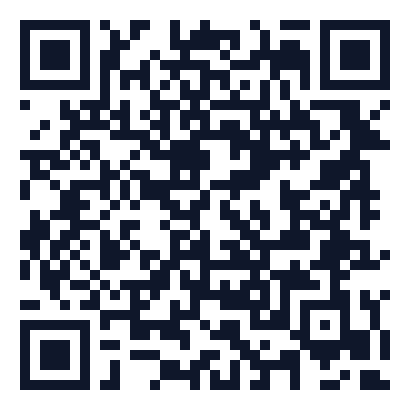
Scan the QR code to install the Android app, or open Google Play directly to discover places and track pickup orders on the move.
Get it on Google Play